
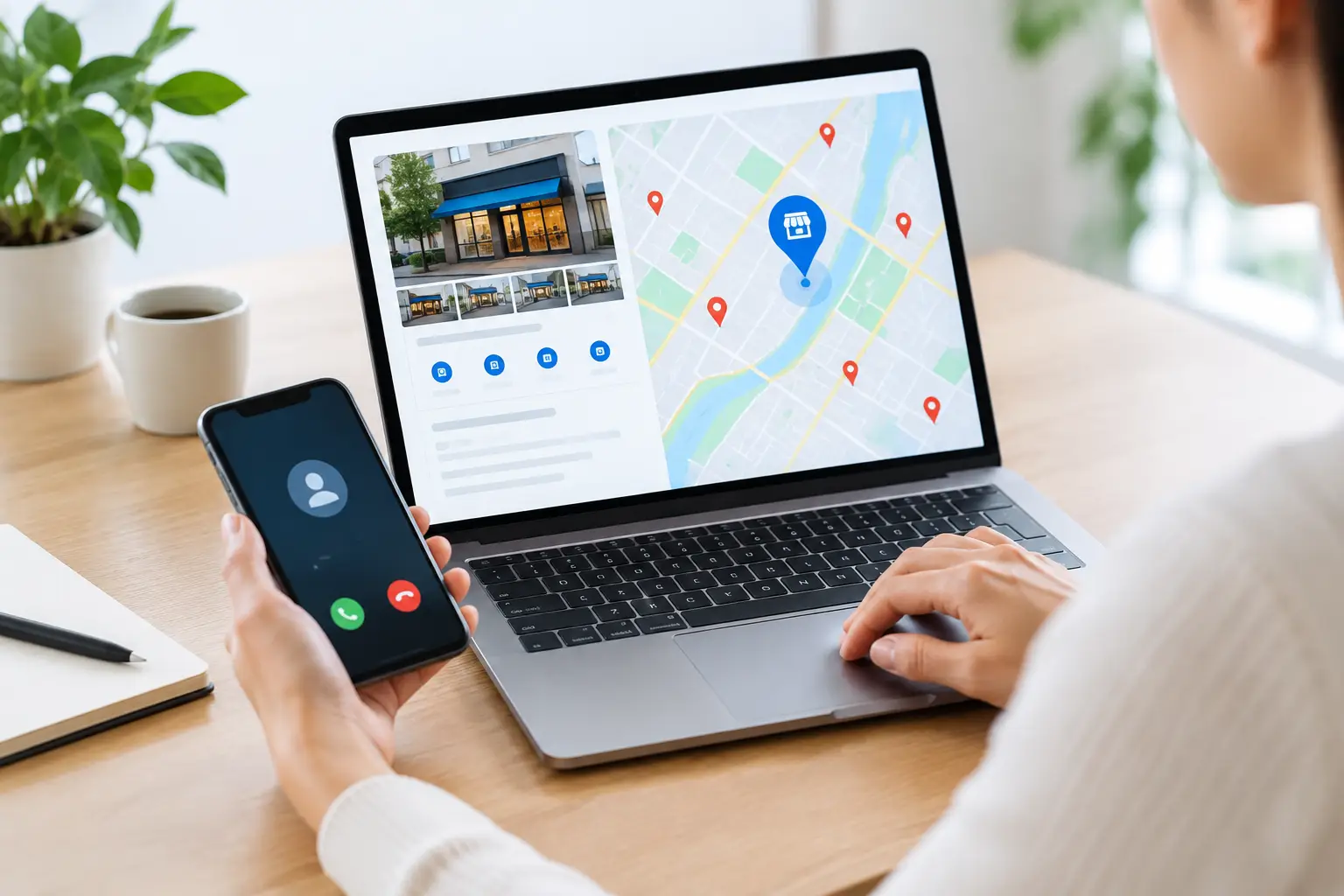
A Google Business Profile can put your phone number, website, directions, and reviews in front of people who are ready to buy. That is the good news. The frustrating part is answering the question: how do you track calls, messages and website leads from Google Business Profile? Without a tracking setup, a busy week can look great while your reporting says almost nothing.
The practical answer is to track each action differently. Calls need a call-tracking number or disciplined call logging. Website clicks need UTM parameters and GA4 conversion tracking. Messages need a different approach because Google Business Profile no longer supports its former native chat feature. Put those pieces together, and you can see whether your local visibility is producing actual opportunities, not just map views.
Start with the right expectations
Google Business Profile Performance provides useful high-level activity data, including calls, website clicks, direction requests, and views. It is a solid pulse check, but it does not always tell the full story. A website click is not automatically a form submission. A call click is not necessarily a booked job. And a person can find your profile on Google, visit your site later through another device, then convert without a neat, one-click trail.
That does not make attribution useless. It means small businesses need a practical system that captures the strongest signals and avoids pretending marketing data is courtroom evidence. Your goal is a trustworthy view of lead volume, lead quality, and revenue – not a spreadsheet with 47 tabs nobody believes.
How to track calls from Google Business Profile
For many local service businesses, calls are the highest-intent lead source. Someone searching “emergency plumber near me” or “Los Angeles family lawyer” is usually not browsing for fun.
Google Business Profile Performance can show call actions associated with your listing. Review that number regularly, but do not stop there. If you need to know which calls were answered, how long they lasted, what service was requested, or whether the caller became a customer, use a dedicated call-tracking platform.
Use a local tracking number correctly
Set up a local tracking number that forwards to your usual business line. The caller experiences a normal phone call, while your tracking platform records the source, time, duration, and, depending on your setup and consent requirements, a recording or transcript.
For Google Business Profile, the common approach is to use the tracking number as the primary phone number and your main business number as the secondary number. This gives the profile a consistent number to measure while preserving your original contact number for customers who already know it.
Do not use a toll-free number if local trust matters to your audience. A local area code generally feels more familiar, especially for home services, medical practices, restaurants, and other neighborhood businesses.
Decide what counts as a real call lead
Not every call deserves equal weight. A 12-second hang-up and a six-minute estimate request should not be treated as the same result. Define a qualified call using criteria that fit your business, such as a minimum call duration, a new caller, a service inquiry in your service area, or an appointment booked.
Your front desk or sales team should also apply a simple outcome label in the CRM: booked, estimate requested, not qualified, existing customer, spam, or missed call. This is where marketing reporting becomes revenue reporting. If the phone rings but 40% of calls go unanswered, the problem may not be your Google visibility. It may be response capacity.
Track website leads with UTM tags and GA4
A visitor who clicks the Website button on your Google Business Profile should land on a URL built specifically for that source. Add UTM parameters to the website link in your profile so Google Analytics 4 can identify the visit.
For example, your website URL can include a source of `google`, a medium of `organic`, and a campaign such as `google_business_profile`. The exact naming convention is less important than consistency. If one person calls it `GBP`, another uses `GMB`, and a third enters `GoogleMaps`, your reports will turn into alphabet soup.
In GA4, create and test conversion events for the actions that matter: contact form submissions, booked appointments, quote requests, click-to-call actions on your website, online orders, and live-chat leads. For a service business, a completed contact form or appointment confirmation is usually a better primary conversion than a generic page view.
Test the full path before trusting the data
Click the Website button on your live profile. Confirm that the page loads, the UTM parameters remain in the address bar, the form works on mobile, and the form submission appears as a conversion in GA4. Then test your thank-you page, CRM notification, calendar booking, and any automation that sends a follow-up.
This sounds basic because it is basic. It is also where plenty of lead tracking breaks. A beautifully configured analytics account cannot save a contact form that silently fails on iPhones.
What about Google Business Profile messages?
Google discontinued the native Google Business Profile chat and messaging feature in 2024. If you see old articles telling you to measure Messages in your profile dashboard, they are working from an outdated playbook.
That does not mean prospects stopped wanting fast answers. It means your business needs to guide conversations through channels you can actually manage and track. Depending on your setup, that may include a website chat tool, a form with rapid text-message follow-up, appointment scheduling, or social direct messages.
The key is source tracking. If you place a chat option on the landing page used by Google Business Profile visitors, make sure your analytics and CRM retain the original UTM source. Otherwise, chats will appear as unattributed leads, which is marketing’s version of losing the receipt after buying office supplies.
Connect the data in one reporting view
A clean monthly report should answer a few business questions without requiring an analytics degree. How many calls came from the profile? How many website sessions came from the profile? How many forms, bookings, or chats did those visitors create? How many leads were qualified? How much revenue closed?
Pull profile actions from Google Business Profile Performance, website conversions from GA4, call outcomes from your call-tracking platform, and closed revenue from your CRM or booking system. If your business is still early in its tracking journey, begin with a simple monthly spreadsheet. A modest reporting system used consistently beats an expensive dashboard that gets ignored.
Use these four categories to keep the report useful:
- Visibility: profile views, search impressions, and map exposure.
- Engagement: calls, website clicks, direction requests, and menu or booking actions.
- Leads: qualified calls, form submissions, appointments, chats, and quote requests.
- Revenue: closed jobs, average sale value, revenue, and cost per acquired customer.
The separation matters. More visibility is encouraging, but it is not the finish line. A profile that generates fewer clicks but more qualified jobs may be performing better than one with impressive activity and poor lead quality.
Common tracking mistakes that distort results
The biggest mistake is using the same website URL everywhere without UTM tags. You may still see traffic, but you will struggle to separate Google Business Profile visits from regular organic search, referrals, and direct traffic.
Another common issue is counting every phone click as a lead. Mobile users sometimes tap by accident, call after hours, or call about something you do not offer. Track the call action, then use call outcomes to judge quality.
Also watch for duplicate conversions. A customer might submit a form, call an hour later, and then book online. That is one opportunity with several touchpoints, not necessarily three new leads. Your CRM should be the place where duplicates are reconciled and revenue is assigned.
Finally, do not let tracking numbers become an excuse to neglect your actual customer experience. Keep business hours accurate, answer calls quickly, use a clear website call to action, and make booking easy on mobile. Measurement tells you where the leaks are. It does not patch them for you.
A smarter local-growth habit for 2026
Local search is getting messier as Google surfaces more answers directly in results and customers move between Maps, traditional search, AI tools, reviews, and social platforms before contacting a business. That makes first-click attribution less complete than it used to be. It also makes disciplined lead capture more valuable.
Ask every new lead one short question: “How did you hear about us?” Use it alongside your analytics, not instead of analytics. When a customer says Google Maps after your dashboard credited direct traffic, you have useful context. Over time, those patterns help you invest in the channels that create customers, not just clicks.
Set up the basics, review the numbers monthly, and listen to the quality behind the numbers. When your Google Business Profile becomes measurable, it stops being a listing you hope works and starts becoming a lead channel you can improve.