

A website that looks polished but makes visitors hunt for a phone number is not a marketing asset. It is a digital brochure with expensive taste. The best website features for lead generation give a potential customer one clear path: understand the offer, trust the business, and take the next step before they click back to Google or ask an AI tool for another option.
For small businesses, this matters because traffic is rarely free. Whether a visitor arrives through local SEO, a paid ad, a Google Business Profile, a ChatGPT recommendation, or a social post, you have already earned their attention. Your website needs to turn that attention into calls, quote requests, bookings, and revenue.
Start With a Clear Value Proposition Above the Fold
Visitors should know what you do, who you do it for, and why they should contact you within a few seconds. This is not the place for vague statements like “solutions for a better tomorrow.” A plumbing company should say it handles emergency repairs in its service area. A med spa should make its most valuable treatments and location obvious. A B2B consultant should name the business problem they solve.
Place this message at the top of the page with a primary call to action. “Get a Free Estimate,” “Book a Consultation,” and “Call for Same-Day Service” are stronger than “Learn More” because they tell people exactly what happens next.
A secondary option can help visitors who are not ready to commit. For example, a service business might pair “Request an Estimate” with “View Our Work.” Just do not give every button the same visual weight. Too many competing actions create decision fatigue, and decision fatigue is a quiet conversion killer.
Make Contact Ridiculously Easy
A high-converting website does not hide the contact page like it is protecting state secrets. Put a clickable phone number in the header on mobile and desktop. Keep a visible call-to-action button in the navigation. Add contact options near the end of service pages, location pages, and case studies.
The best approach depends on how customers buy. Emergency services benefit from click-to-call buttons and prominent hours. Businesses with longer sales cycles may need consultation forms, calendar booking, or a short qualification questionnaire. Retailers and appointment-based businesses often benefit from online booking with clear availability.
For many small businesses, the highest-value leads come from a combination of calls and forms. Track both. If your reporting only counts form submissions, you may be missing the leads that picked up the phone and hired you that day.
Keep Forms Short Enough to Finish
Every form field is a tiny speed bump. Ask only for the information your team truly needs to respond intelligently: name, phone or email, service needed, and a short message. You can gather job details after the conversation begins.
Long forms have a place when qualifying a lead saves significant sales time. A commercial contractor, legal firm, or high-ticket B2B provider may need budget range, project timeline, or location. Even then, explain why you are asking. People are more willing to share details when the request feels relevant instead of nosy.
Build Trust Before Asking for the Lead
Most visitors are not asking, “Is this website pretty?” They are asking, “Can I trust these people with my money, time, home, health, or business?” Your website needs to answer that question without forcing them to read six pages of marketing copy.
Strong trust signals include real customer reviews, short testimonials with names or business details where appropriate, before-and-after photos, certifications, licensing information, recognizable partner logos, and clear years of experience. For local businesses, photos of the actual team, office, trucks, or completed work carry more weight than generic stock photos of people shaking hands in a conference room.
Case studies are especially useful for services with higher prices or longer consideration cycles. Keep them practical: describe the problem, the work completed, and the outcome. Specific results are memorable, but accuracy matters more than inflated numbers. If results vary, say so.
Create Service Pages That Match Buyer Intent
One catch-all “Services” page may be fine for a very simple business. For most growth-focused companies, dedicated pages for each core service give visitors and search platforms more context. A page about kitchen remodeling should not make someone scroll through roofing, bathroom renovations, and handyman services before finding what they need.
Each service page should explain the customer problem, the solution, what is included, likely next steps, and how to get started. Add relevant proof and a focused call to action. If service prices vary, provide useful context rather than pretending cost never comes up. A starting price, pricing factors, or a transparent explanation of the estimate process can reduce friction.
This structure also supports SEO and AI discovery. Search engines and AI answer tools need clear, organized information to understand what your business offers, where you serve, and when you are a credible match for a customer’s question.
Add Local Relevance Where It Actually Helps
For a Los Angeles business, “serving California” is usually too broad to persuade a homeowner in Sherman Oaks or a business owner in Pasadena. Mention service areas naturally, show local projects when possible, and make address, phone number, and hours consistent across the site.
Location pages can generate leads when each page contains genuinely useful local information. Copying the same paragraph and swapping city names is not a strategy. Explain the services available in that area, feature nearby work or testimonials, and answer location-specific questions. If you do not serve an area, do not build a page for it just to chase traffic. Bad-fit leads waste everyone’s time.
Improve Speed, Mobile Experience, and Accessibility
A slow site is not merely annoying. It makes every other marketing channel less efficient. If someone taps a paid ad on their phone and waits for a bloated page to load, you still pay for the click whether they convert or not.
Prioritize fast-loading pages, readable text, thumb-friendly buttons, compressed images, and simple navigation. Mobile visitors should be able to call, request a quote, get directions, or book an appointment without pinching and zooming their way through the process.
Accessibility supports lead generation, too. Use descriptive headings, adequate color contrast, labeled form fields, and navigation that works with keyboards and assistive technology. These choices help more people use the site and usually make the experience clearer for everyone else.
Use Live Chat Carefully, Not Automatically
Chat can capture leads outside business hours and answer basic questions before a visitor leaves. It works well when someone can respond promptly or when an automated flow is honest about what it can do. A chat box that promises instant help, then disappears into silence, does the opposite of building trust.
For many small businesses, a simple chat prompt is enough: “Need a quote? Tell us what you need and we will respond by the next business day.” For urgent services, route chats to a real person or offer a direct call option. The tool should match your operational reality, not a software sales demo.
Make Your Website Easy for AI Search to Understand
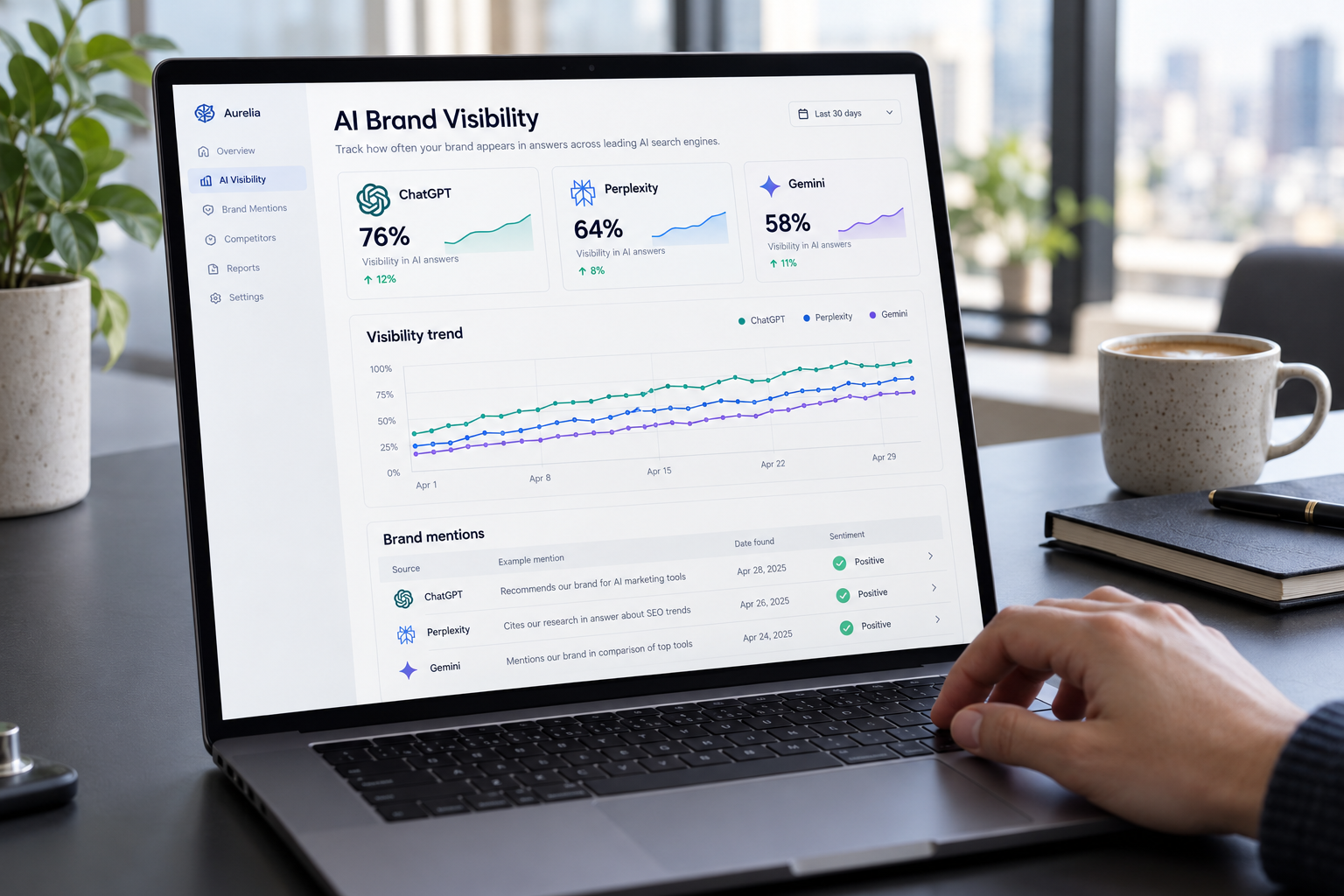
In 2026, customers increasingly ask AI-powered search tools questions such as “Who installs EV chargers near me?” or “What should I ask a personal injury lawyer before hiring one?” Your site should provide direct, accurate answers to those questions.
Use clear service descriptions, structured headings, helpful FAQs where they answer real customer concerns, and specific information about locations, qualifications, processes, and policies. Publish original proof of experience, not generic filler. AI systems, like human customers, have little use for pages that say a business is “the best” without showing why.
Do not chase every new AI platform with a different gimmick. The durable strategy is clear content, credible evidence, technically sound pages, and consistent business information. That foundation helps Google, AI discovery tools, and actual humans make sense of your brand.
Measure the Leads That Turn Into Revenue
A conversion button is only a feature if you know whether it works. Set up tracking for phone calls, form submissions, booking completions, chat leads, and key page interactions. Then connect those leads to outcomes when possible: qualified opportunity, scheduled job, closed sale, or repeat customer.
This is where many businesses lose the plot. They celebrate more website conversions while their sales team reports that lead quality dropped. Better reporting reveals which channels, pages, and offers bring profitable customers rather than just more names in a spreadsheet.
Review the data monthly, but do not redesign the whole site after one quiet week. Look for patterns. If a service page gets traffic but few inquiries, the offer may be unclear, the proof may be weak, or the call to action may arrive too late. If visitors start forms but abandon them, remove friction before buying another traffic source.
A Practical Lead Generation Website Checklist
Before spending more on SEO or ads, confirm your site has these essentials:
- A clear above-the-fold message and a primary call to action
- Click-to-call functionality and short, easy-to-find contact forms
- Dedicated pages for priority services and real service areas
- Reviews, testimonials, credentials, project examples, or case studies
- Fast, mobile-friendly pages with accessible navigation and forms
- Conversion tracking tied to qualified leads and sales results
The best website design is not the one with the most animations, pages, or trendy widgets. It is the one that makes a qualified customer feel confident enough to contact you. Start with the biggest point of friction on your current site, fix it properly, and let every improvement earn its place by producing better conversations with real buyers.