
A new service page is live, the design looks great, and your team is ready for calls. Then you search Google a week later and find nothing. If you are asking, why is Google not indexing my new pages?, the frustrating answer is usually not that Google is broken. It is that Google has not found the page, cannot access it, or has decided the page does not add enough value to its index yet.
That distinction matters. Indexing is not the same as ranking. A page can be indexed and still sit on page 12. But if it is not indexed, it has no chance to earn traffic, leads, or visibility in Google results or AI-generated search experiences that rely on a strong, crawlable web presence.
First, confirm the page is actually not indexed
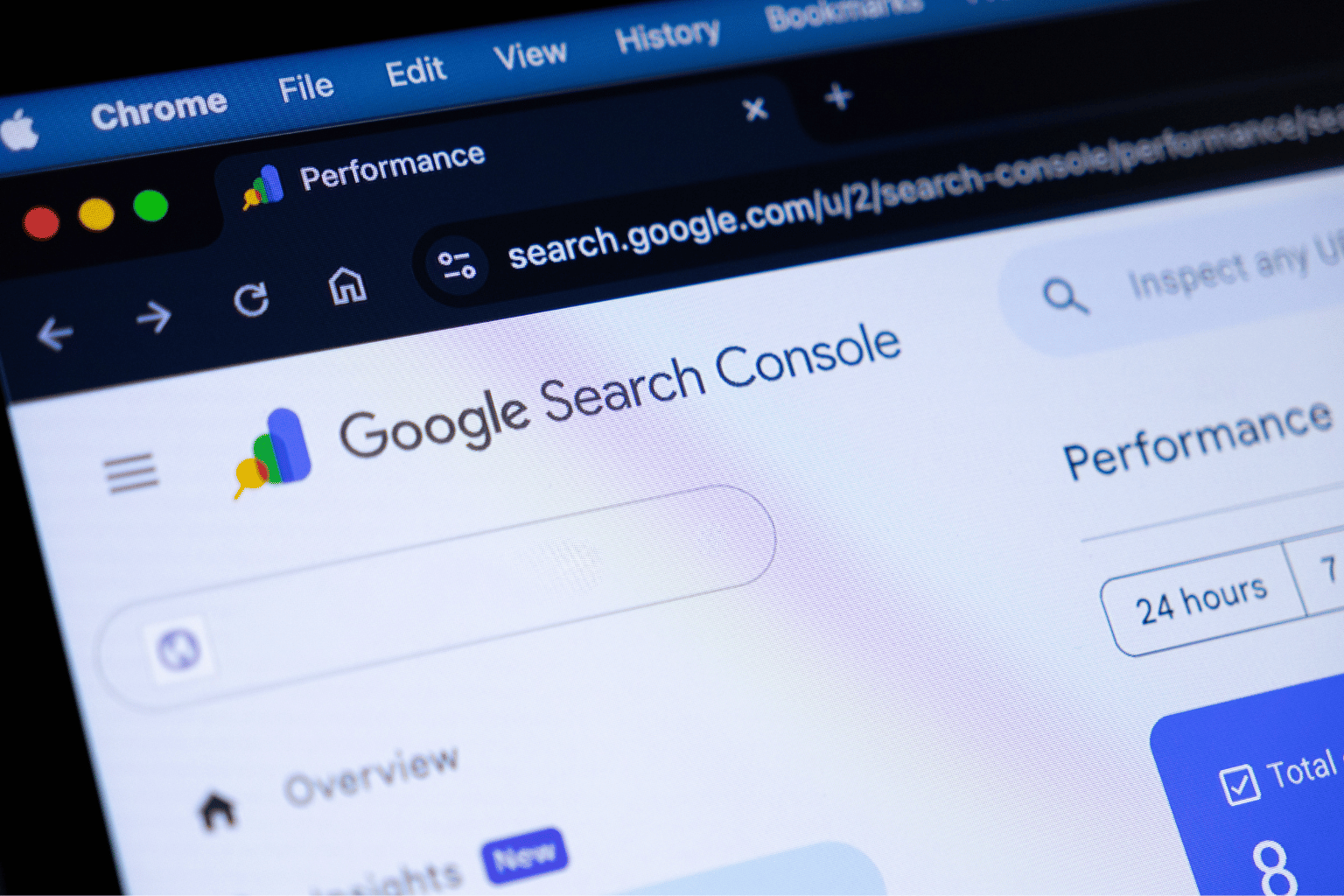
Do not rely only on a Google search for the page title. Search results are personalized, delayed, and imperfect. Instead, inspect the exact URL in Google Search Console. The URL Inspection report tells you whether Google knows about the page, whether it is eligible for indexing, and why it may have been excluded.
If the report says the URL is indexed, your problem is visibility, not indexing. That calls for a different strategy: stronger topical relevance, better internal links, clearer local signals, and content that answers the searcher’s actual question better than competing pages.
If the report says the URL is not indexed, read the exclusion reason carefully. The wording can feel technical, but it usually points directly to the fix.
Why Google is not indexing your new pages
Google has not discovered the page yet
Google cannot index a page it has not found. This is common with brand-new websites, orphan pages with no internal links, and pages published without being included in an XML sitemap.
A sitemap is a useful invitation, not a guaranteed ticket into the index. Internal linking is often more powerful because it shows Google how the page fits into your site. For example, a new Pasadena plumbing page should be reachable from a relevant service page, location hub, or blog post. Do not bury it six clicks deep and hope for the best.
The page is blocked from crawling or indexing
Sometimes the issue is painfully simple: a developer setting was left on after launch. Common blockers include a noindex meta tag, an X-Robots-Tag header, a disallow rule in robots.txt, password protection, or an accidental canonical tag pointing elsewhere.
A page can load perfectly for you and still be invisible to Googlebot. That is why checking the rendered page alone is not enough. Use Search Console’s URL Inspection tool and test the live URL after any technical change.
Google sees the page as a duplicate
Small businesses often create location pages by swapping out city names: “Dentist in Los Angeles,” “Dentist in Burbank,” and “Dentist in Glendale,” with nearly identical copy underneath. Google may choose not to index every version because it sees little reason to keep multiple pages that say the same thing.
The same happens with product filter URLs, tag archives, printer-friendly pages, HTTP versus HTTPS versions, and pages generated by a CMS. Canonical tags help, but they are signals rather than commands. If two pages are genuinely similar, Google may select one and ignore the other.
The fix is not just changing a few keywords. Give each important page a distinct job. A city page should include relevant services, local proof, location-specific questions, nearby areas, original photos where appropriate, and details that help a real customer choose you.
The content is too thin, generic, or AI-spun
Google does not owe every published URL a place in its index. A 250-word service page with vague claims, stock phrases, and no useful details can be crawled but still excluded. The same applies to large batches of lightly edited AI-generated pages.
AI can speed up research and first drafts. It cannot replace firsthand expertise, accurate pricing context, clear service processes, customer concerns, local knowledge, or proof that your business can do what the page promises. If the content could describe 50 competitors with only the company name changed, it is not yet doing enough work.
For a page to deserve indexing, make it useful before you make it long. Explain who the service is for, what happens next, what affects cost or timing, what makes the option different, and what customers should know before contacting you.
Your site has weak trust or crawl signals
A new domain with few quality pages and limited internal structure may be crawled slowly. This is not a punishment. Google has limited crawling resources and constantly makes decisions about which URLs are worth revisiting.
Technical clutter makes that decision harder. Endless parameter URLs, broken navigation, slow server responses, redirect chains, and duplicate archives can distract crawlers from the pages you actually want indexed. For a lean business website, fewer purposeful pages often beat hundreds of low-value URLs.
The page returns the wrong status code
A page intended to rank should generally return a 200 status code. A 404 means it does not exist. A soft 404 means Google believes the page is functionally empty or unhelpful, even if it technically loads. A redirect means Google is being sent somewhere else.
This comes up after redesigns, WordPress migrations, and Shopify changes. If a URL changed, use a single, relevant 301 redirect. Do not redirect every retired page to the homepage. That is a shortcut Google often treats as unhelpful.
A practical indexing checklist
Before requesting indexing again, work through the basics in the right order. Repeatedly clicking “Request Indexing” without fixing the underlying issue is like pressing an elevator button 20 times. It does not make the elevator arrive faster.
- Confirm the page returns a 200 status code and loads without a login, error, or redirect.
- Check that it does not contain a noindex directive and is not blocked by robots.txt.
- Verify the canonical tag points to the page itself when it is the preferred version.
- Add at least one contextual internal link from a relevant, already-indexed page.
- Include the URL in your XML sitemap if it is a page you want searchers to find.
- Improve the page with original, specific information that is not repeated elsewhere on the site.
- Inspect the live URL in Search Console, then request indexing once the fixes are complete.
For local businesses, also make sure the page supports a real service area and does not pretend you have an office where you do not. Google has become better at recognizing doorway-style location pages. One excellent page for a legitimate service area is more valuable than 30 thin city pages created just to capture a map of keywords.
How long should indexing take?
There is no honest universal timeline. Some pages appear in Google within hours. Others take days or weeks, especially on newer sites or sites with technical and quality issues. A requested crawl is not an approval notice.
The bigger question is whether Google has a clear reason to index the page. A new page connected to your site architecture, supported by useful original content, and aligned with real search demand has a far better chance than an isolated page built around one keyword variation.
When the issue is bigger than one page
If several important URLs are excluded, stop treating each one as a separate mystery. Look for patterns. Are all pages using the same template? Did the issue begin after a redesign? Are location pages nearly identical? Is your CMS generating duplicate archives or canonical errors?
This is where a technical SEO review earns its keep. The goal is not to chase every “Excluded” label in Search Console. Some exclusions are intentional and healthy. The goal is to make sure the pages tied to revenue – services, locations, products, and high-intent resources – are easy for Google to crawl, understand, trust, and index.
Frequently asked questions
Can I force Google to index a page?
No. You can request indexing, submit a sitemap, and remove technical barriers, but Google decides what enters its index. Your leverage comes from making the page accessible, unique, and genuinely useful.
Should every page on my website be indexed?
No. Thank-you pages, internal search results, duplicate filter pages, admin pages, and certain campaign URLs often should not be indexed. Index only pages that offer standalone value to a searcher.
Does publishing more content make Google index my site faster?
Not automatically. Publishing many low-quality pages can create more crawl waste and duplicate-content problems. Publish fewer pages with clearer intent, stronger information, and logical links between them.
New pages deserve more than a publish button and a hopeful search the next morning. Treat indexing as the first quality check: if Google cannot find, crawl, or trust a page, customers probably will not either. Fix the foundation, build pages with real business value, and let every URL earn its place in search.