
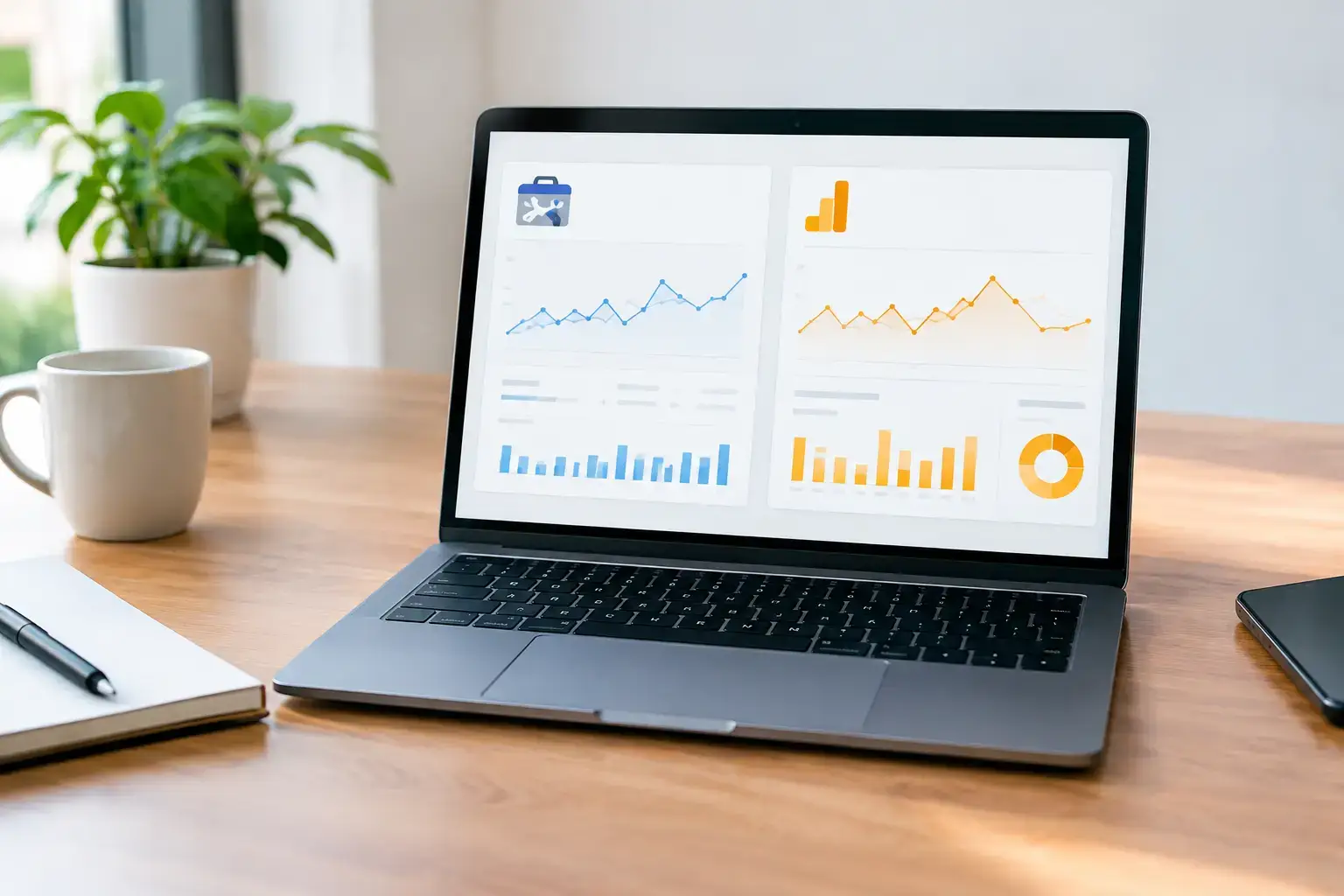
A business owner sees 1,200 clicks in Google Search Console, then opens GA4 and finds 760 organic sessions for the same month. Cue the familiar question: why do Search Console and GA4 report different traffic numbers? Is tracking broken? Is SEO underperforming? Did Google lose a few hundred visitors somewhere in the parking lot?
Usually, no. Search Console and GA4 are built to answer different questions, use different measurement methods, and count activity at different stages of a visitor’s journey. The mismatch is normal. The real win is knowing which number to use when you are evaluating visibility, website engagement, leads, and revenue.
The short answer: clicks are not sessions
Google Search Console reports what happens on Google’s search results page. Its primary organic traffic metric is clicks: how many times someone selected your website from a Google Search result.
Google Analytics 4 reports what happens after someone reaches your website. Its comparable metric is typically sessions, although GA4 also tracks users, events, conversions, engaged sessions, and more.
A click and a session sound similar, but they are not interchangeable. One person can click your result and leave before GA4 loads. Another person can generate multiple Search Console clicks but only one GA4 session. Add consent choices, redirects, bot filtering, date settings, and attribution rules, and the gap can grow quickly.
Think of Search Console as the count of people who pressed your storefront doorbell. GA4 is the count of people your in-store camera actually recorded walking inside. Both are useful. Neither tells the whole story alone.
Why do Search Console and GA4 report different traffic numbers?
The most common reason is that the platforms measure two distinct moments: Google Search Console measures the search click, while GA4 measures the website visit after tracking code fires.
That difference creates several practical reporting gaps.
GA4 tracking may not load
For GA4 to record a session, the GA4 tag must load successfully in the visitor’s browser. If a user closes the page immediately, loses connection, blocks scripts, declines analytics consent, or uses privacy tools that prevent measurement, Search Console can still count the Google click while GA4 records nothing.
This matters even more for small businesses with mobile-heavy traffic. A person searching for an emergency plumber, attorney, or local restaurant may tap a result, realize the page is slow, then bounce before analytics initializes. The click still happened. The session may not appear.
A significant gap is not automatically a disaster, but it can be a useful signal. If Search Console clicks are rising while GA4 organic sessions lag far behind, investigate site speed, mobile usability, consent configuration, and tracking implementation before making big SEO decisions.
One session can include more than one Google click
The opposite can happen too. Someone searches for your company, clicks a service page, returns to Google, then clicks your contact page. Search Console may count two clicks. GA4 may treat the activity as one session because it occurred within the same visit window.
Search behavior is messy and non-linear. People compare providers, open tabs, revisit search results, and research on one device before converting on another. Search Console captures interactions with Google results. GA4 tries to organize on-site behavior into visits. The totals will not line up perfectly because the real customer journey does not either.
Search Console and GA4 use different attribution rules
Search Console is focused on Google organic search. If the click happened in Google Search and led to your site, it belongs in Search Console reporting.
GA4 assigns traffic to channels using its own attribution and session rules. A visitor may land from organic search but later return through a bookmark, an email, a paid retargeting ad, or a direct visit. Depending on the report and attribution setting you use, GA4 may credit conversions differently than Search Console.
For example, Search Console can show that a local SEO page earned 300 Google clicks. GA4 may show fewer organic sessions, while a conversion report credits some resulting leads to Direct, Paid Search, or another channel. That does not mean the SEO page failed. It may have started the research journey rather than received final conversion credit.
Dates, time zones, and processing do not always match
A surprisingly common issue is comparing reports that are not set up the same way. Search Console data is based on a Pacific Time reporting convention, while GA4 uses the time zone configured in your property. Around midnight, at the beginning or end of a month, those differences can create confusing discrepancies.
Search Console also has data processing delays and may provide preliminary data that changes slightly. GA4 data can be affected by reporting identity, thresholding, filters, and processing choices. Before analyzing performance, compare the same date range, avoid the freshest incomplete days, and make sure you are using the correct GA4 property and website version.
URLs, domains, and redirects can split the story
Search Console properties and GA4 properties must cover the same website reality. That sounds obvious, but it is easy to compare apples to a small pile of oranges.
A domain property in Search Console can include variations across http, https, www, non-www, and subdomains. A GA4 tag might only be installed on the main site, not a booking subdomain, client portal, or shop. Redirects can also interfere with tracking if GA4 does not load correctly on the final destination.
For businesses using WordPress, Shopify, scheduling platforms, call tracking, or separate landing pages for paid campaigns, this deserves a proper audit. Traffic may be reaching the business, but not every part of the customer path may be visible in one GA4 report.
Which platform should you trust?
Trust both, but ask each one the question it is designed to answer.
Use Search Console to understand Google search visibility. It is the better place to assess impressions, clicks, click-through rate, average position, search queries, and the pages Google is surfacing. If you want to know whether a page is gaining traction for “Los Angeles roof repair” or “Shopify web design services,” Search Console is your source.
Use GA4 to understand website performance and business outcomes. It shows what visitors do after arrival: whether they engage with content, view key pages, submit forms, click phone numbers, start checkout, or become leads. If you want to know whether organic traffic is producing revenue opportunities, GA4 is where the conversation gets serious.
Neither tool is a complete lead-tracking system on its own. Phone calls, offline sales, booked estimates, CRM outcomes, and repeat customers often need additional tracking and clean operational processes. This is especially true for local service businesses, where a high-intent visitor may call directly from search without spending much time browsing a website.
How to compare Search Console and GA4 without misleading yourself
Start by comparing Search Console clicks with GA4 sessions from the Organic Search channel group. Do not compare Search Console clicks with GA4 users, total sessions, or conversions. Those are different measurements with different definitions.
Then use the same date range and wait a few days after the period ends so both platforms have more complete data. Check that GA4 is installed across every primary landing page, that consent settings are configured correctly, and that your domain, subdomains, redirects, and booking tools are accounted for.
Next, compare trends rather than obsessing over a perfect one-to-one match. If Search Console clicks and GA4 organic sessions both rise over three to six months, your direction is clear even if the totals differ. If one rises sharply while the other falls, investigate. That pattern can reveal an indexing change, a tracking problem, slow pages, mismatched properties, or a shift toward zero-click search behavior.
Finally, bring the analysis back to the number that pays the bills. Rising impressions are encouraging. Rising clicks are better. But more qualified calls, form submissions, booked appointments, and closed revenue are the real scoreboard.
A smarter monthly reporting view for small businesses
A clean SEO report does not need 40 charts. It should connect visibility to action. Review Search Console for impressions, clicks, click-through rate, top queries, and top landing pages. Review GA4 for organic sessions, engagement, key events, lead conversions, and the landing pages that assist or generate those conversions.
Then add business context. Did a new service page launch? Did rankings improve for a high-value local query? Did the phone tracking number change? Did a form break? Did an AI answer or Google result answer the question before the visitor needed to click? Search is increasingly fragmented, so traffic alone is no longer the only measure of visibility.
When your reports disagree, do not waste time trying to force them into identical totals. Use the gap as a diagnostic clue, verify that tracking is healthy, and focus on whether the right customers are finding you and taking the next step.